
Seasonal Website Checklist for Local Business | Velocity
Most small business websites get built once and then left alone until something breaks. That works fine for a while, but a website that never changes starts to quietly work against you — showing outdated hours during a holiday rush, promoting a spring special in the middle of winter, or displaying photos from a job you did four years ago. None of it is a huge, obvious problem. It's a bunch of small ones that add up.
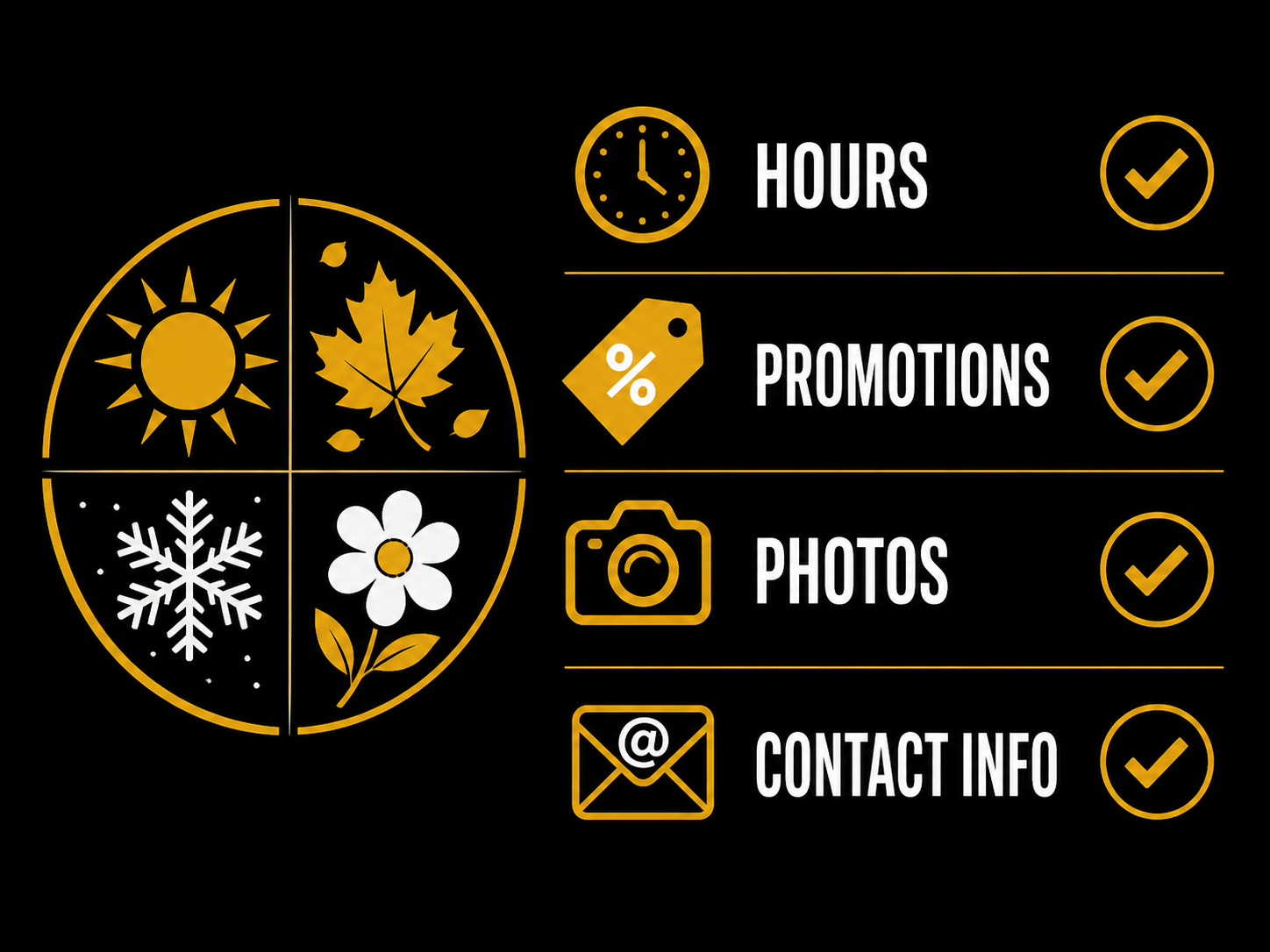
A seasonal check-in a few times a year fixes most of this, and it doesn't take long. Here's what's worth going through.
Update your hours before the season that needs it
This is the one that costs actual business when it's missed. If your hours change around a holiday — closing early on Christmas Eve, closed entirely for the Fourth of July, extended hours during a busy season — that needs to be updated in two places: your website and your Google Business Profile.
Google Business Profile matters just as much as the website itself, maybe more, since it's often the first thing someone sees before they ever click through to your site. A customer who shows up to a locked door because the listed hours were wrong doesn't blame the confusion — they just don't come back. Set a habit of checking and updating holiday hours a couple weeks ahead of any date your regular schedule changes, rather than remembering the morning of.
Refresh seasonal promotions and messaging
A homepage banner advertising a spring cleanup special doesn't do you any favors sitting there in October. Beyond looking neglected, it actively signals the wrong thing — that maybe the business isn't paying close attention to its own site.
Go through your homepage and any landing pages a few times a year and ask whether what's being promoted still makes sense for the current season. Swap in whatever's actually relevant right now — snow removal in winter, AC tune-ups heading into summer, holiday gift specials in November and December. This is also a good moment to plan ahead a little, since a promotion that's ready to go live right when the season starts beats one thrown together after the first customer asks about it.
Add fresh photos from recent work
Photos age faster than most business owners expect. A gallery of projects from a few years back might still be good work, but it doesn't show what you're capable of right now, and it doesn't reflect current trends, materials, or styles a customer might be looking for.
Make it a habit to add a handful of new photos each season — recent jobs, current team members, updated equipment. It doesn't need to be a full photoshoot every time. Even a few solid phone photos from a recent job, added consistently, keep a site's gallery looking active and current instead of frozen in time.
Double-check contact info before your busy season hits
Before whatever season is busiest for your business — spring for landscapers, summer for HVAC, November and December for a lot of retail and service businesses — take ten minutes to check that every way someone might reach you actually works. Call your own listed number. Fill out your own contact form and confirm it lands somewhere you're actually watching. Check that your contact page has the current email, address, and any booking links, and that nothing points to a form or inbox nobody checks anymore.
It sounds almost too basic to matter, but broken contact info tends to happen quietly — a form connected to an old email address, a phone number that changed and never got updated everywhere. The worst time to discover something's broken is in the middle of your busiest, highest-lead season.
Why this matters more than it seems
None of these updates are individually dramatic. But together, they're the difference between a website that feels current and trustworthy and one that quietly signals neglect — wrong hours, stale promotions, old photos, a contact form nobody's checking. Customers notice these things even when they can't articulate exactly what felt off.
A website isn't a one-time project that's finished once it launches. It's closer to a storefront — something that needs a little upkeep through the year to keep working as hard as it can for you.
Where to start
Pick a recurring time a few times a year — start of each season works well — and run through hours, promotions, photos, and contact info. It takes less time than most owners expect once it's a routine instead of an afterthought.
If you would rather not keep track of it alone, monthly plans include 2 small updates on Starter, 4 on Growth, or unlimited small updates within plan limits on Elite. A seasonal hours, photo, or promotion change may fit that allowance when it takes 30 minutes or less. See the pricing page for the current rules, or get in touch to talk through what your site needs.