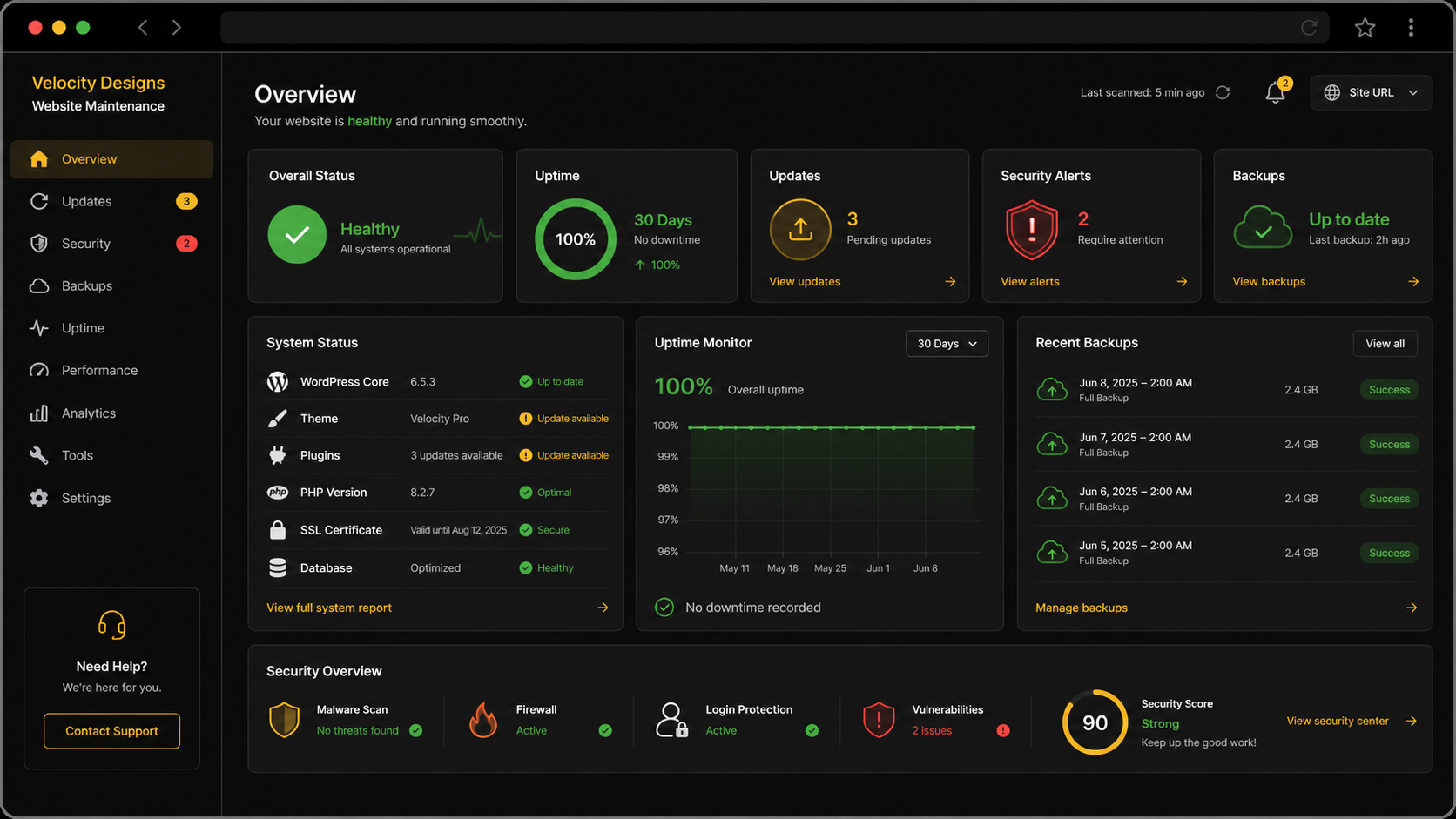
Small Business Website Maintenance: What It Involves
A lot of small business owners think of their website the way they think of a business card — print it once, hand it out, done. That mindset made sense for a paper card. It doesn't hold up for a website, and businesses that treat their site the same way tend to find out the hard way.
Here's what website maintenance actually involves, and why skipping it costs more than it saves.
Security updates
Websites run on software, and software needs updates. The platform your site is built on, any plugins or tools connected to it, even the underlying server environment — all of it gets patched regularly to fix security holes that hackers actively look for.
Skip these updates long enough and your site becomes an easier target. Outdated software is one of the most common ways small business websites get hacked, not because anyone's specifically targeting your business, but because automated tools scan the internet constantly looking for exactly this kind of gap.
Broken links
Links break more often than people expect. A page you deleted still gets linked to from your homepage. A partner business changes their URL and now your link to them 404s. A form tool you used two years ago shuts down and every "contact us" button on your site quietly stops working.
None of this shows up unless someone's actually testing it, and most business owners don't click every link on their own site every month. A visitor hits a broken link, assumes the business isn't paying attention, and leaves.
Outdated information
Hours change. Prices change. Services get added or dropped. Staff changes. None of this updates itself, and a site that still says you're open until 6pm when you now close at 5 is actively sending people the wrong information.
This is the maintenance item that's easiest to forget because the site still looks fine — it's just wrong. Wrong information erodes trust fast once someone notices it, and once someone notices one thing that's off, they start wondering what else is outdated.
Backups
If something goes wrong — a bad update, a hack, a hosting issue — a recent backup is the difference between restoring your site in twenty minutes and losing months or years of content permanently. Businesses without backups sometimes end up rebuilding from scratch because there was nothing to restore from.
This is one of those things nobody thinks about until they need it, and by then it's too late to set up.
Why "set it and forget it" backfires
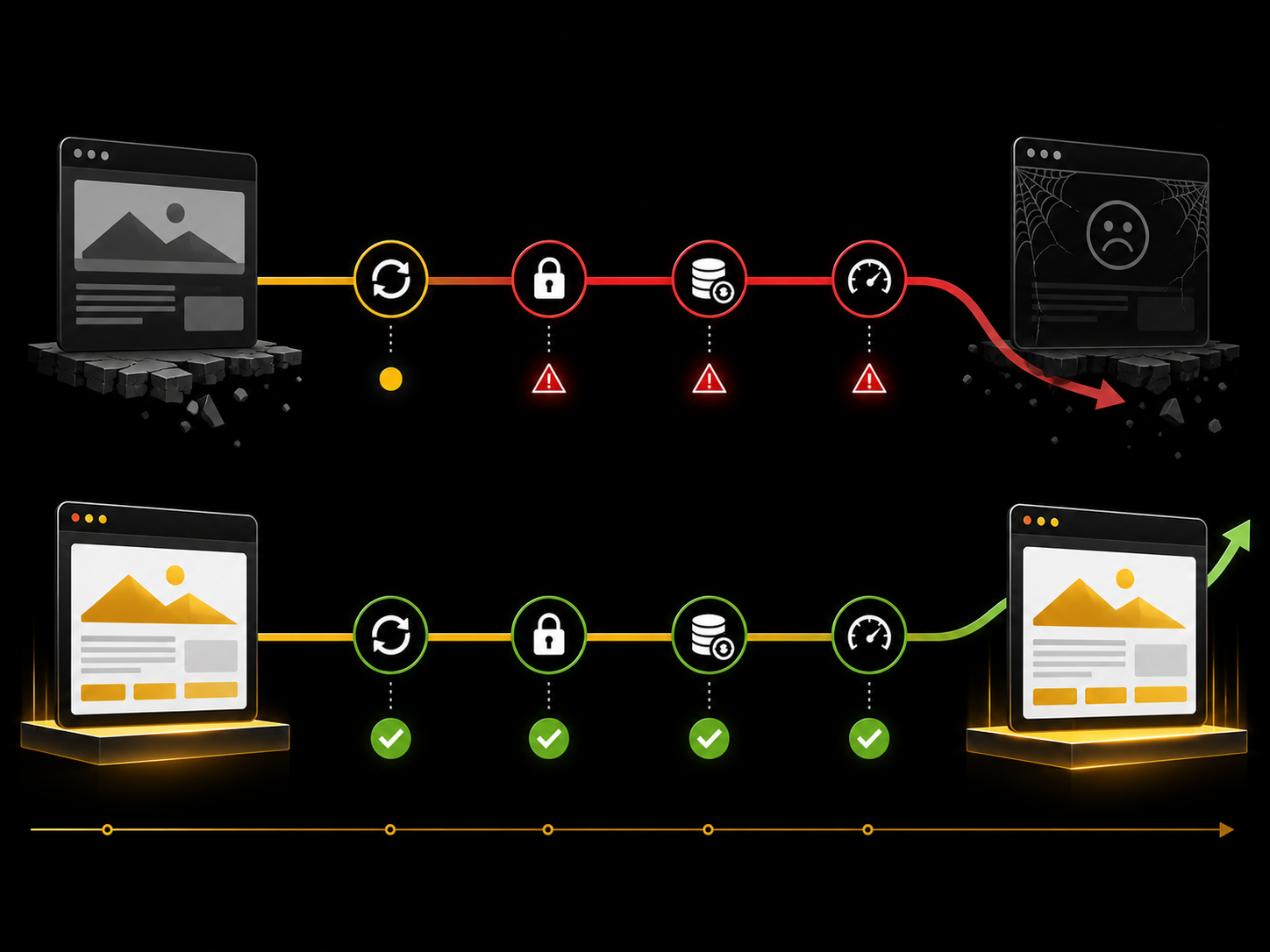
A website that gets built once and never touched again doesn't stay still — it slowly falls behind. Security gaps widen as new vulnerabilities get discovered. Information drifts further from accurate as the business changes. Competitors who are actively maintaining their sites start to look more current and more trustworthy by comparison, even if your original design was solid.
The businesses that get hurt by this usually don't notice it happening. There's no single dramatic moment — just a slow decline in how the site performs, how it ranks, and how much visitors trust it, until someone finally asks "wait, why isn't this site bringing in any leads anymore?"
What ongoing maintenance should include
A solid maintenance plan covers regular security updates, periodic checks for broken links and outdated content, scheduled backups, and someone actually watching for issues before they become visible problems. Handled consistently, it takes very little time. The neglect is what gets expensive, not the upkeep.
How often maintenance should actually happen
There's no single universal schedule, but a reasonable baseline looks like this: security updates as soon as they're available, a content check every month or two to catch anything outdated, and a full link and functionality sweep two or three times a year. Backups should run automatically in the background, not depend on someone remembering to do it manually.
Businesses with sites that change often — new services, seasonal promotions, frequent blog posts — need more frequent attention than a simple site that mostly stays the same. The point isn't to follow a rigid schedule, it's to make sure nothing sits broken or wrong for months without anyone noticing.
How Velocity Designs handles this
We do not put a site online and disappear. When a site we build is paired with one of our monthly plans, the plan covers hosting, security updates, backups, and uptime monitoring, plus small updates like new hours, prices, or photos (2 a month on Starter, 4 on Growth, and unlimited small updates within plan limits on Elite). If we did not build your site, our care plan covers security updates, backups, uptime monitoring, and one small update for $149 a month. The one-time build and monthly plan are separate, and everything each plan includes is on our pricing page. If you are not sure whether your current site is being maintained at all, that is worth finding out before it becomes a bigger problem.
What to do next
Check a few things right now: when was your site's software last updated, does every link on your homepage actually work, and is the information on it still accurate. If you're not sure how to check any of that, or you already know the answer isn't great, get in touch and we'll take a look at what shape your site is actually in.